
Ever had your internet drop right in the middle of a key Zoom call or while sending a big email? It’s infuriating, isn’t it? I know because I’ve been there too.
Years spent knee-deep in tech strategies have taught me a thing or two about slow internet troubleshooting. It’s a common issue, but one that’s solvable with the right approach.
You don’t need a degree in IT to fix this. What you need are practical solutions that work (without the tech jargon). I’ve seen it all, from routers acting up to network settings gone rogue.
Why trust me? I’ve tackled these problems countless times, helping folks like you regain their digital sanity. In this guide, you’ll find straightforward advice for resolving your internet connectivity issues.
No fluff, just real-world solutions. By the end, you’ll have the tools to keep your connection steady and reliable. Ready to dive in?
Let’s get you back online.
Internet Woes: Getting Back Online Fast
You know what’s worse than slow internet? Nothing. Slow speeds, spotty connections, or total blackouts drive me nuts.
We all depend on the web, so when things go haywire, it’s frustrating. Let’s talk about slow internet troubleshooting. It’s usually caused by hardware hiccups or service glitches.
Your router might be screaming for a reset, or maybe your provider’s taking a nap. And that can leave you in the lurch.
Ever notice how your connection seems just fine until a key Zoom call or Netflix binge? That’s no accident. Throttling, anyone?
ISPs sometimes slow your connection during peak hours, leaving you with buffering misery. Don’t even get me started on Wi-Fi dead zones. A well-placed extender can work wonders.
But what if it’s more than that? Maybe it’s your device. Are your drivers up to date?
If not, your laptop might be the problem. You can learn more about fixing those pesky issues.
Pro tip: Test your speed at different times and locations. You’ll find patterns. And if all else fails, grab the phone and demand better service.
Seriously, your sanity depends on it.
Quick Fixes for Internet Connectivity Issues
Slow internet troubleshooting can be a nightmare, right? But it doesn’t have to be. The first thing I do when my connection lags is reboot the router.
Just unplug it, wait for about 10 seconds (yes, count them), and plug it back in. It’s like a coffee break for your router.
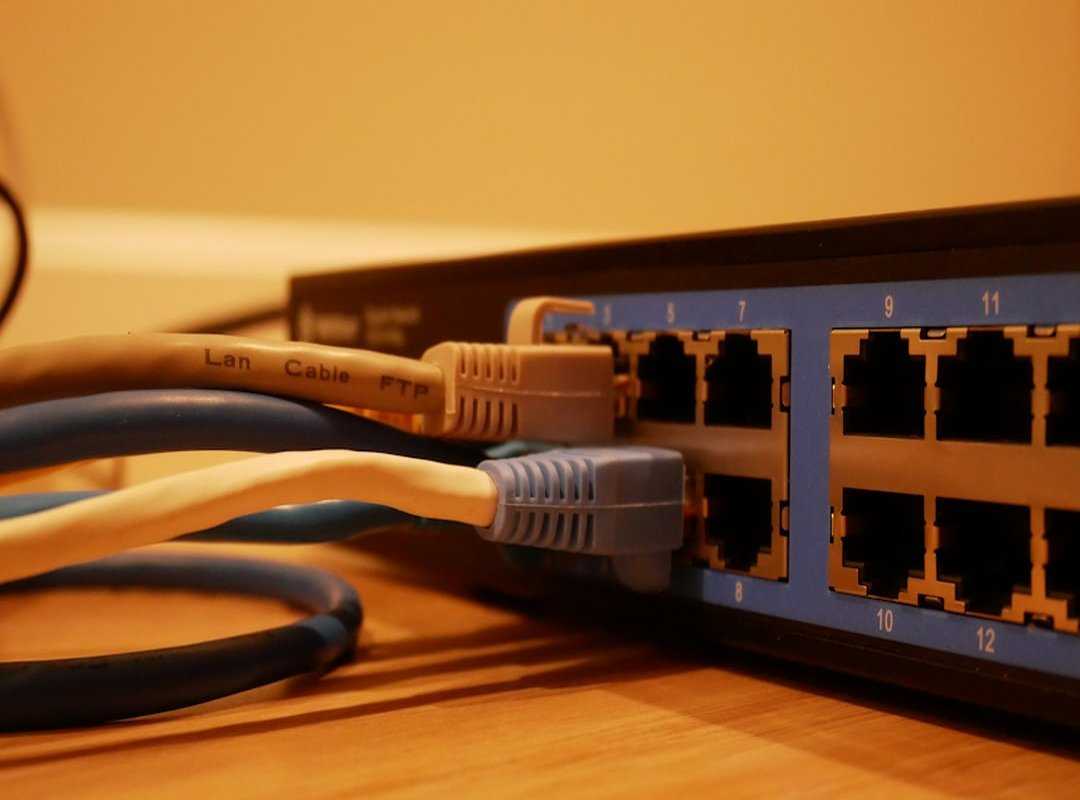
Next, let’s talk cables. Are they snug? A loose cable can kill your connection quicker than you can say “buffering.” Check both ends of each cable.
Giving them a little push might be all you need.
And don’t forget the modem. Is it powered on? Sometimes, the modem just needs a little nudge to wake up.
If it’s not working, a quick restart could do the trick. Unplug it, wait, and plug it back in.
Now, here’s a pro tip. Most ISPs have diagnostic tools you can use. These tools can tell you if the problem is on their end or yours.
It’s like having a tech support team in your pocket. Check your ISP’s website for these tools.
Ever heard of the “turn it off and on again” trick? It’s not just for laughs. It’s effective.
Seriously, most tech problems can be fixed this way. But if these quick fixes don’t work, maybe it’s time to call in the pros.
A pop culture nod here. Remember when Neo needed a quick fix in “The Matrix”? Sometimes, all you need is a little push to get back online.
So, next time you’re faced with a slow connection, try these steps. They might just save your day.
Advanced Solutions for Persistent Problems: Fix Your Slow
You know the feeling. You’re mid-binge on Netflix, and suddenly the dreaded buffering circle appears. Slow internet troubleshooting can feel like a never-ending saga.
But let’s cut to the chase. Updating firmware is a must. It’s the software that runs your router, and like any tech, it needs regular updates.
Think of it like updating your phone’s OS. You wouldn’t skip that, right?
Now, ever considered changing your DNS settings? It sounds like a geek move, but it’s not rocket science. DNS, or Domain Name System, translates website names into IP addresses.
By switching to a public DNS, you might just speed things up. Google or Cloudflare offer free options that are easy to set up. And hey, if you’re still scratching your head over this, remember you’re not alone.
We all get stuck sometimes.
Adjusting router settings can also be a game-changer. Position it centrally in your house, away from walls or thick furniture. The fewer obstacles, the better.
And if all else fails, maybe it’s time to call your ISP. After all, you’re paying for a service. They should help when things go south.
Here’s a pro tip: Keep your network hardware updated. Old routers can seriously drag down speeds. If you’ve tried everything (updating) firmware, tweaking DNS, repositioning routers.
And still can’t get past the buffering blues, it might be time to consider fixing bluetooth connectivity issues as well. It’s all connected, literally. Technology is a beast, but with the right approach, you can tame it.
Connectivity Hacks: Keep the Internet Steady
You know what’s worse than a slow internet connection? Losing it completely. Let’s get proactive.

First, scheduled router reboots can avoid those unexpected connectivity drops. It’s simple: unplug, count to ten, plug back in. Reducing frustration in one easy step!
Using solid equipment also matters. Cheap routers? They’re tempting, but investing in quality gear can save headaches.
Ever notice that the router placement affects speed? Yeah, don’t hide it in a closet. Keep it central and off the floor for better reach.
Now, what about security? We don’t think about it enough until it’s too late. An unsecured network is basically an open invitation for unwanted guests.
Passwords need to be strong (no, “123456” isn’t enough). And those firewall settings? Check them.
They’ll help keep interruptions at bay.
So, when your speeds start to dip, what should you do? You might need a deeper dive into troubleshooting slow internet if basic steps don’t help. Don’t let minor issues turn into bigger problems.
Most of us can handle the basics, but sometimes calling a pro makes sense. After all, we’re in the age of streaming and remote work. A stable connection is more than just a convenience.
The Future of Internet Connectivity: Beyond the Hype
Ever felt like your internet is stuck in the Stone Age? Slow internet troubleshooting is a nightmare, right? I’ve been there, and it’s not pretty.
But here’s a thought: what if we could predict those issues before they even happen? AI-driven network management and predictive analytics come in.
These technologies aren’t just buzzwords. They’re a game-changer. Imagine a world where your network adapts in real-time, fixing itself before you even notice a hiccup.
Sounds like sci-fi, but it’s happening. AI can analyze patterns, predict failures, and improve performance. It’s like having a tech genius on standby 24/7.
I get it. Privacy concerns are valid. But the benefits?
But let’s be real. Not everyone is on board. Some say these advancements are too invasive.
They’re undeniable. Faster speeds, fewer downtimes. Who wouldn’t want that?
You might be wondering if staying updated on these advancements is worth it. Trust me, it is. Technology waits for no one.
And in this fast-paced world, being informed is your best defense. So, are you ready to embrace the future or stick with outdated solutions? The choice is yours.
Take Control of Your Connection Now
I’ve laid out practical solutions for your internet woes. You came here with slow internet troubleshooting in mind, and I’ve got you covered. I know how irritating those lag spikes can be.
But you don’t have to put up with it anymore. Apply the strategies I’ve shared and say goodbye to buffering and delays.
Ready to ditch the frustration? It’s time to act. We’ve helped countless others at excntech.com.
Don’t wait around. Fix your connection issues now. Need help?
Reach out. We’re the top choice for tech solutions, and we’ve got your back.
 There is a specific skill involved in explaining something clearly — one that is completely separate from actually knowing the subject. Christopher Braggshover has both. They has spent years working with innovation alerts in a hands-on capacity, and an equal amount of time figuring out how to translate that experience into writing that people with different backgrounds can actually absorb and use.
Christopher tends to approach complex subjects — Innovation Alerts, Essential Tech Strategies, Device Troubleshooting Solutions being good examples — by starting with what the reader already knows, then building outward from there rather than dropping them in the deep end. It sounds like a small thing. In practice it makes a significant difference in whether someone finishes the article or abandons it halfway through. They is also good at knowing when to stop — a surprisingly underrated skill. Some writers bury useful information under so many caveats and qualifications that the point disappears. Christopher knows where the point is and gets there without too many detours.
The practical effect of all this is that people who read Christopher's work tend to come away actually capable of doing something with it. Not just vaguely informed — actually capable. For a writer working in innovation alerts, that is probably the best possible outcome, and it's the standard Christopher holds they's own work to.
There is a specific skill involved in explaining something clearly — one that is completely separate from actually knowing the subject. Christopher Braggshover has both. They has spent years working with innovation alerts in a hands-on capacity, and an equal amount of time figuring out how to translate that experience into writing that people with different backgrounds can actually absorb and use.
Christopher tends to approach complex subjects — Innovation Alerts, Essential Tech Strategies, Device Troubleshooting Solutions being good examples — by starting with what the reader already knows, then building outward from there rather than dropping them in the deep end. It sounds like a small thing. In practice it makes a significant difference in whether someone finishes the article or abandons it halfway through. They is also good at knowing when to stop — a surprisingly underrated skill. Some writers bury useful information under so many caveats and qualifications that the point disappears. Christopher knows where the point is and gets there without too many detours.
The practical effect of all this is that people who read Christopher's work tend to come away actually capable of doing something with it. Not just vaguely informed — actually capable. For a writer working in innovation alerts, that is probably the best possible outcome, and it's the standard Christopher holds they's own work to.